8BitDo controller tester
8BitDo pads change identity with their mode switch. Pick a mode, connect, and the tester shows exactly what your PC receives.
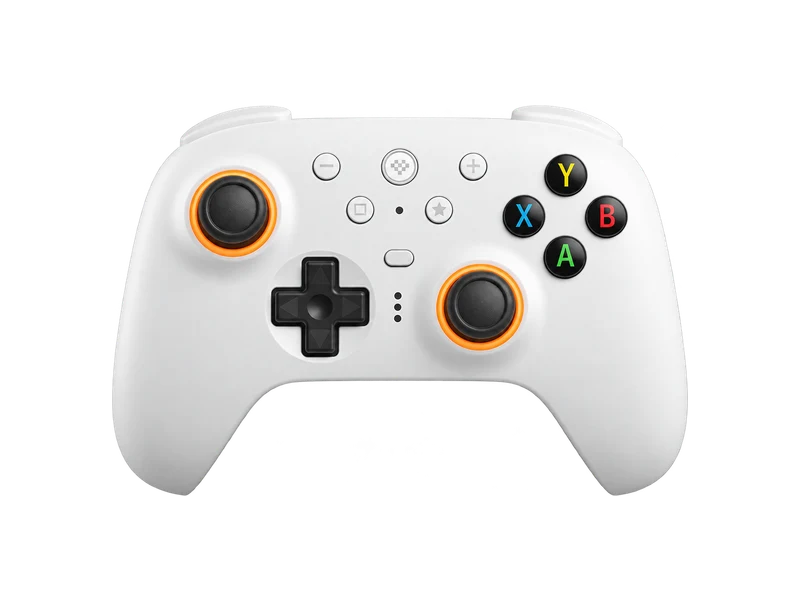
Input map
Registered / 17- South
- East
- West
- North
- Left bumper
- Right bumper
- Left trigger
- Right trigger
- Select
- Start
- Left stick
- Right stick
- Up
- Down
- Left
- Right
- Guide
Raw input
Axes
Input history
- Waiting for input
Modes change what your PC sees
Most 8BitDo controllers can pretend to be different controllers. Depending on the model, a switch, a button held at power on, or the software selects between an Xbox style XInput mode, a generic DInput mode, a Switch mode and sometimes Apple or Android modes. Each mode reports a different identity and button layout, so test in the mode you actually play in. If the diagram looks wrong, the raw button list always shows what the computer receives.
8BitDo Ultimate 2
The Ultimate 2 Wireless, released in February 2025, is the model most people search for. According to 8BitDo it has:
- TMR (tunnel magnetoresistance) sticks with a 12 bit sampling chip, the first 8BitDo pad to use them,
- Hall effect triggers with a switch between linear and tactile modes,
- L4 and R4 bumpers plus two back paddles,
- a 2.4 GHz adapter and a charging dock,
- a claimed 1000 Hz report rate over 2.4 GHz and wired, measured in 8BitDo's lab.
A browser cannot confirm the 1000 Hz figure: Chrome reads controllers about every 4 ms, so the polling rate test tops out near 250 Hz. A reading close to 250 Hz means the controller is at least that fast.
Checking the magnetic sticks
TMR and hall effect sticks do not wear like potentiometers, but they still rely on calibration and springs. Run the stick drift test for the resting offset and the linearity test to see whether small movements are reported smoothly.
Software
8BitDo Ultimate Software V2 handles button mapping, stick and trigger sensitivity, vibration, lighting and firmware updates. If the tester shows unexpected deadzones or curves, check the profile that is active in the software.
Questions about this test
- Which mode should I use on PC?
- XInput mode gives the widest game support and appears as an Xbox style controller. Use the mode you play with when you test, since each mode reports differently.
- Does the browser see the 8BitDo back paddles?
- Usually not as separate buttons. Paddles are mapped in the controller or its software to another button, so pressing one lights up that button.
- Why does my 8BitDo show 250 Hz when it is rated 1000 Hz?
- Chrome samples controllers about every 4 ms, which limits any web test to roughly 250 Hz.