Controller care tips
Seven habits that slow down stick wear, battery ageing and loose ports, based on manufacturer guidance.
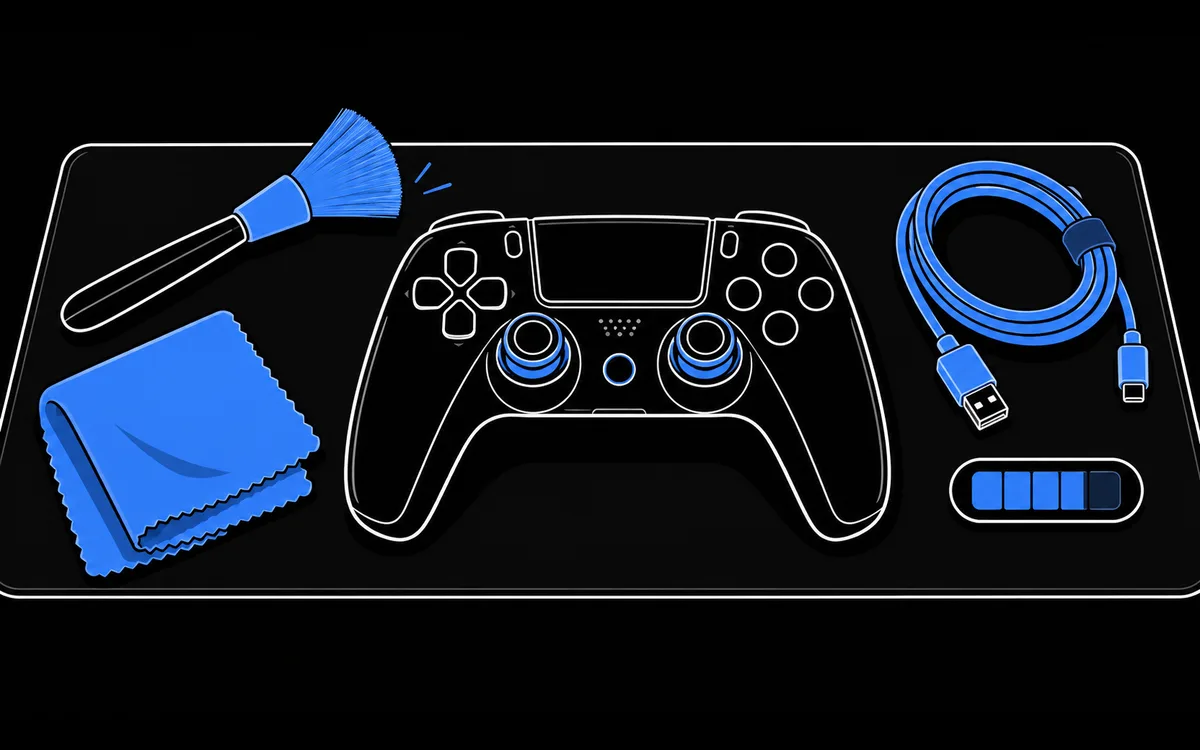
Why care makes a difference
Most controller problems come from three places: the analog sticks, the battery and the charging port. Sticks wear as they move, batteries age with heat and time, and ports loosen when cables are pulled at an angle. None of this can be stopped completely, but a few habits slow it down and help you spot problems early.
1. Clean the outside gently
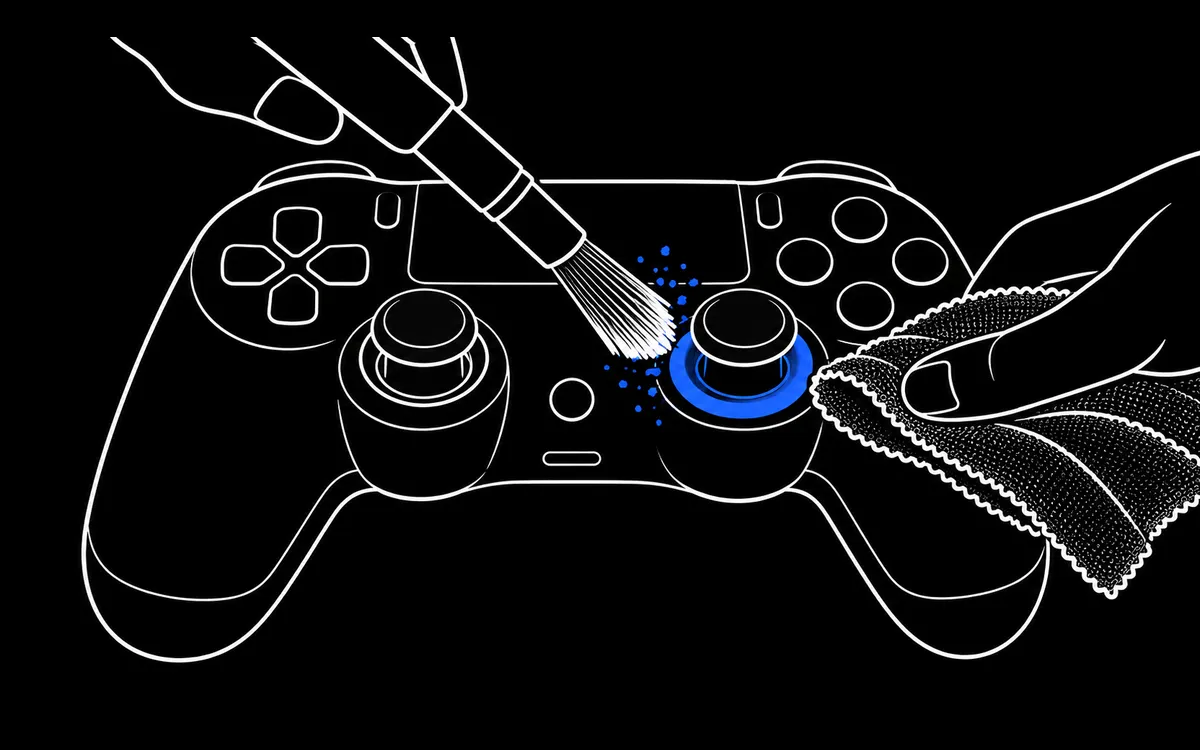
Microsoft recommends a soft, lint free cloth, such as microfiber, lightly dampened with a little mild soap and water, or premoistened disinfectant wipes, roughly every three to six months or whenever needed. The same approach works for any controller.
- Wipe the shell, buttons and grips with the cloth.
- Lift dust from the gap around each stick with a soft, dry brush.
- Never pour or spray liquid directly onto the controller. Liquid that runs inside can reach the circuit board and the stick sensors.
- Turn the controller off and unplug it before cleaning.
2. Keep the battery cool
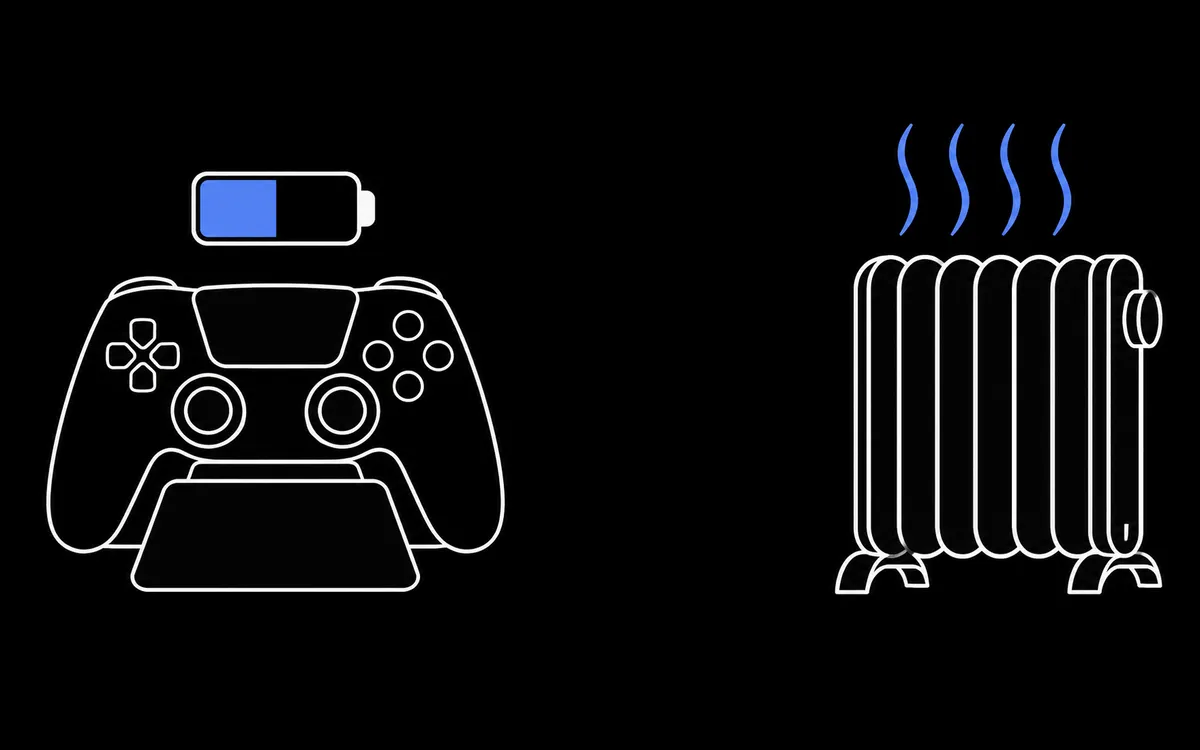
Lithium batteries, used in PlayStation controllers, the Xbox rechargeable pack and most third party pads, lose capacity faster when they are hot. Apple's general battery guidance warns that ambient temperatures above about 35 °C (95 °F) can permanently damage battery capacity, and that charging in high temperatures makes it worse.
- Charge on a desk, not on a radiator, a console vent or in direct sun.
- Do not leave controllers in a hot car.
- You do not need to drain a modern lithium battery completely before charging.
3. Store spare controllers half charged
If a controller will sit unused for weeks, store it at around half charge rather than full or empty. A battery stored fully discharged can fall into a deep discharge state and stop holding a charge, and one stored full for a long time can lose capacity. Top it up every few months.
4. Store it so nothing presses on the sticks
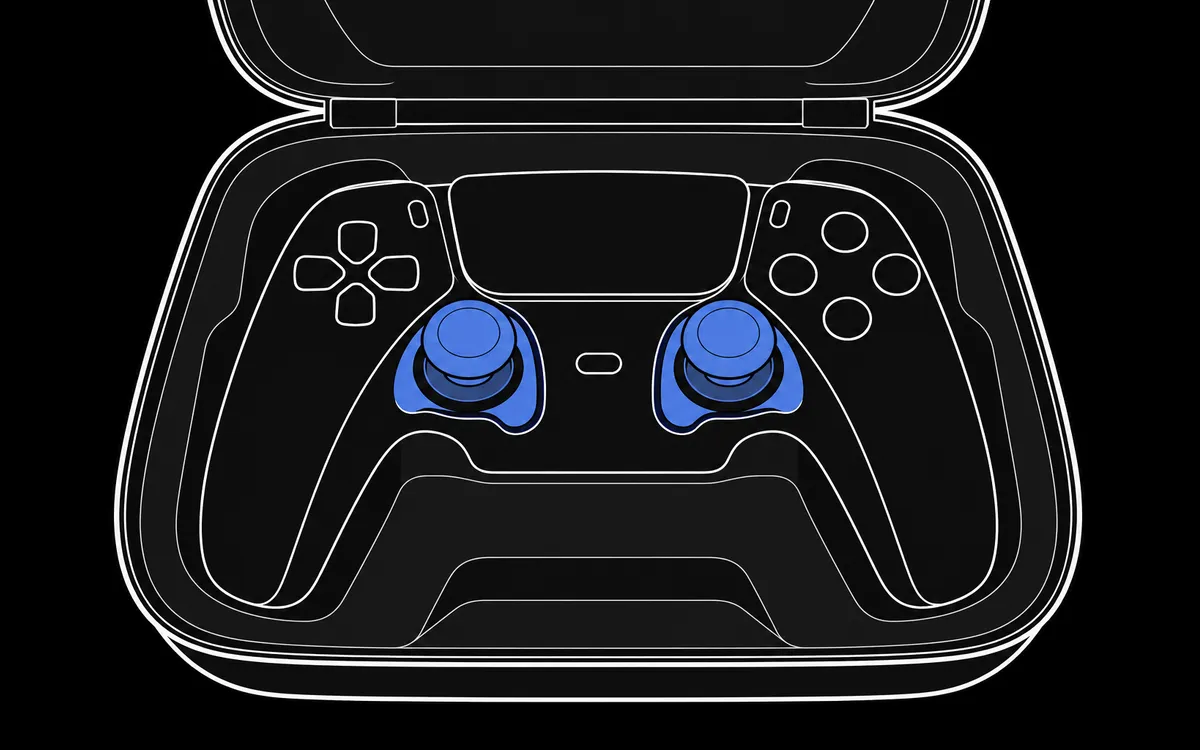
A controller dropped face down into a bag, or squeezed under other gear, can have its sticks or triggers held off center for hours. Put controllers away face up, on a stand or in a case with space around the sticks.
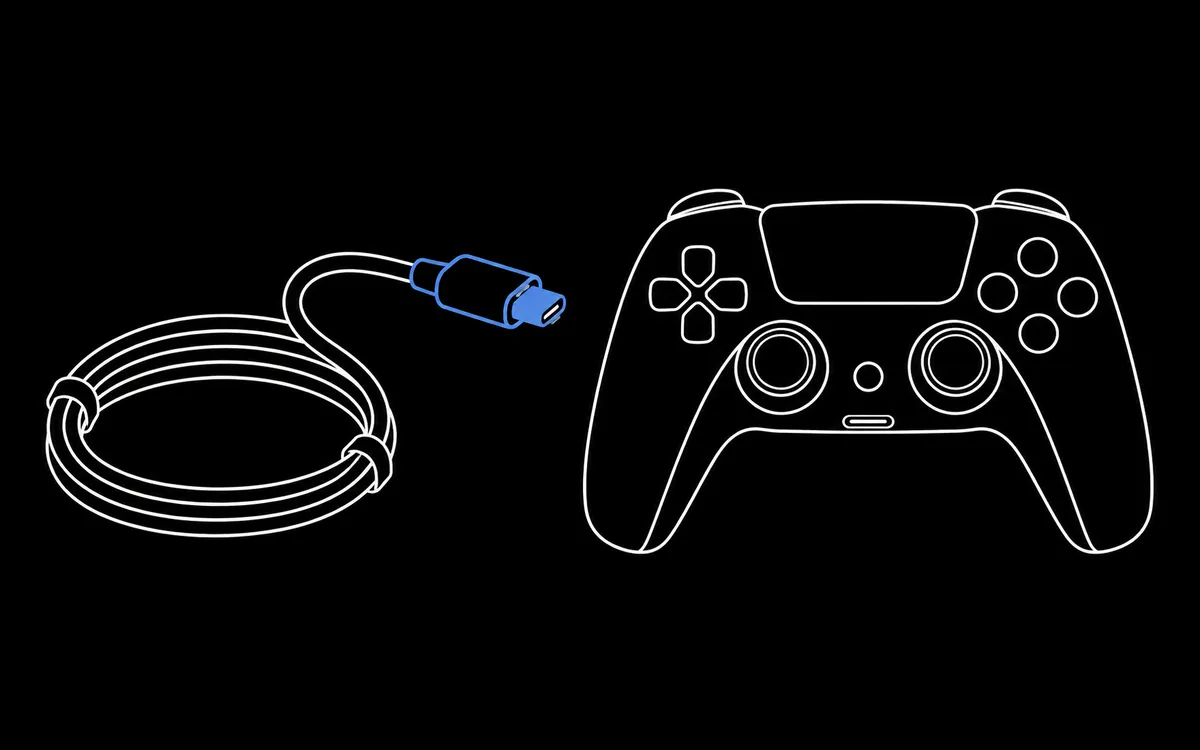
5. Be kind to the cable and the port
The charging port takes the most mechanical stress on a controller.
- Pull the plug, not the cable.
- Avoid playing with the cable bent sharply at the connector.
- Keep the port free of lint before plugging in.
- If the controller only charges at a certain cable angle, the port or cable is wearing out.
6. Install firmware updates
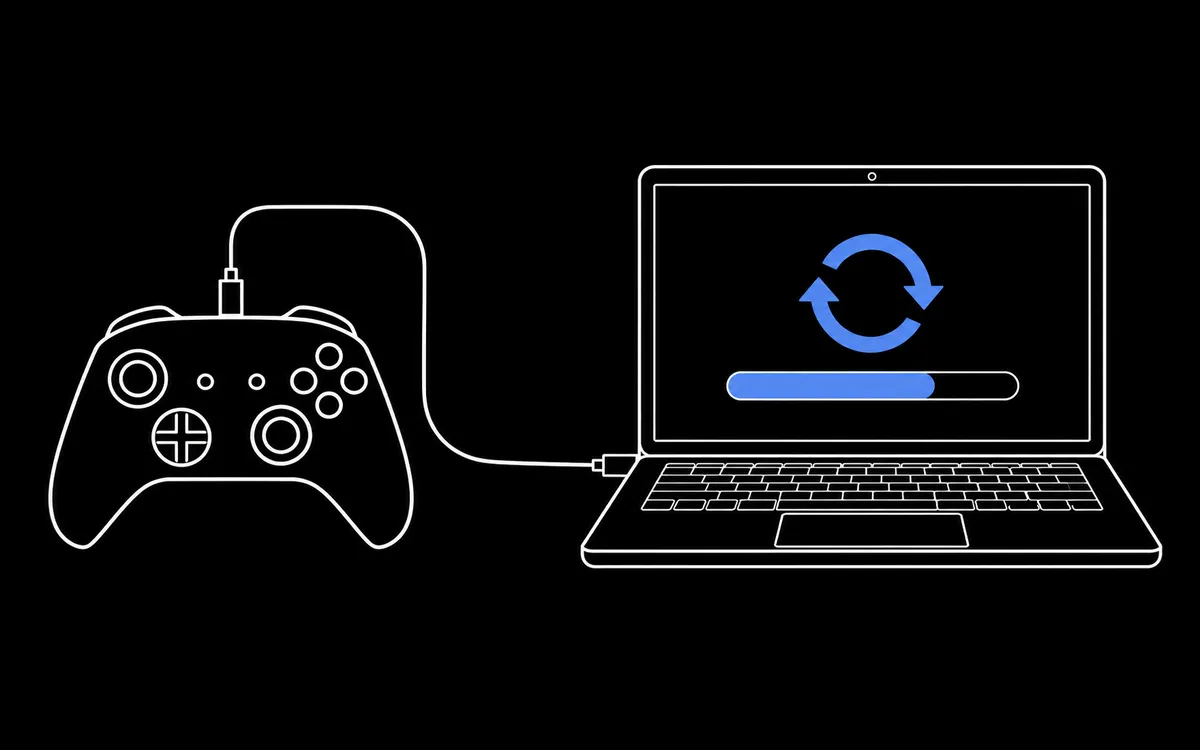
Controller makers fix connection, input and battery behaviour in firmware.
- PS5 DualSense: Settings, Accessories, Controller (General), DualSense Wireless Controller Device Software on the console, or Sony's PlayStation Accessories app on Windows.
- Xbox controllers: the Xbox Accessories app on Windows or the console's accessory settings.
- Third party controllers: the manufacturer's companion app, such as 8BitDo Ultimate Software.
7. Check your controller now and then
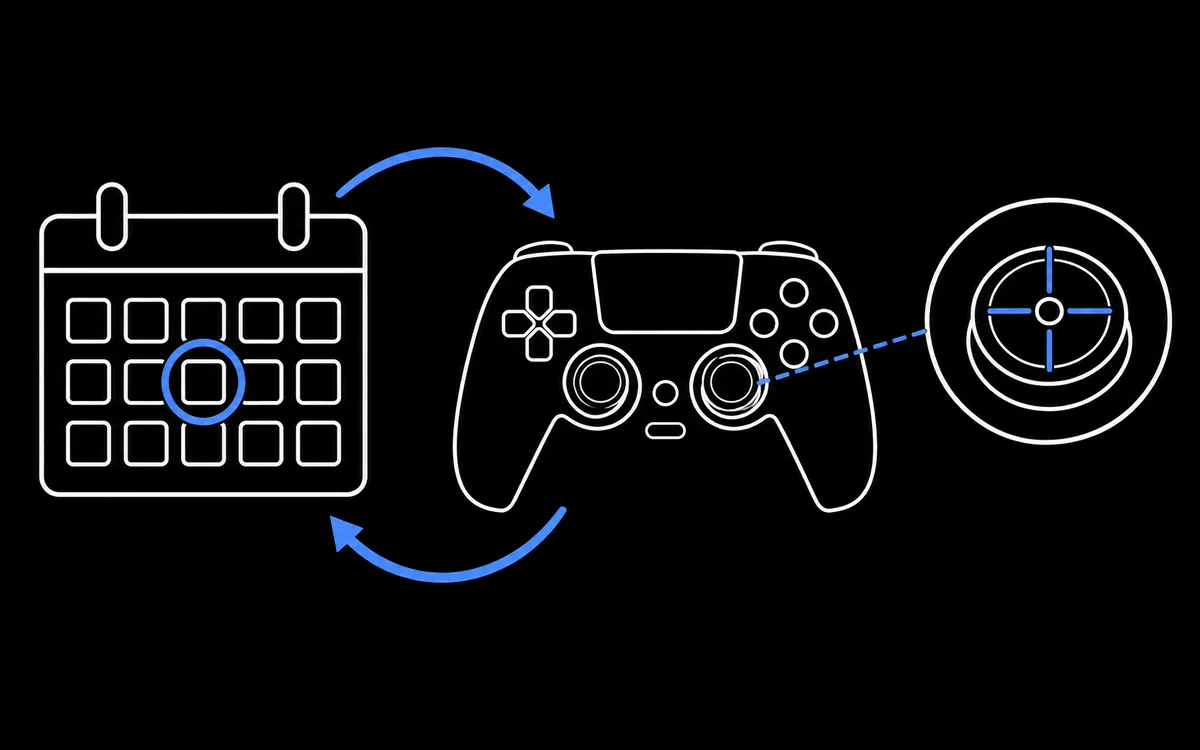
Wear is gradual, so it is easy to miss until it ruins a game. Every few months:
- Run the stick drift test and download the report.
- Roll each stick in the circularity test.
- Press every button once in the button tester.
Compare with your previous report. A resting offset that grows over time is an early warning that a stick is wearing out.
When care is not enough
If a stick drifts after cleaning, a button needs a hard press, or the battery lasts a fraction of its original time, the part itself is worn. Check your warranty first, then consider an official repair or a replacement part. Opening a controller may affect its warranty.
Sources
Checked 26 October 2026.