Xbox 360 controller tester
Wired 360 pads work as soon as they are plugged in. Wireless ones need a receiver. Press any button to begin.
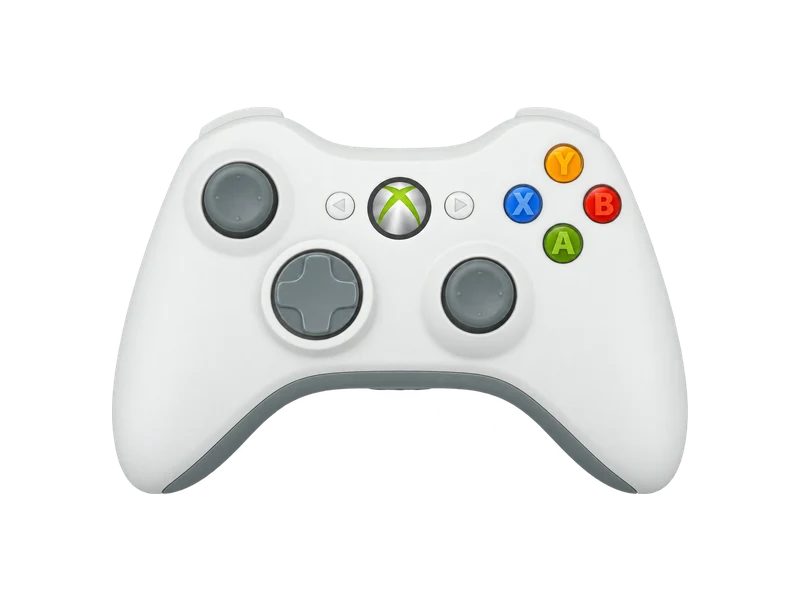
Input map
Registered / 17- A
- B
- X
- Y
- LB
- RB
- LT
- RT
- View
- Menu
- LS
- RS
- Up
- Down
- Left
- Right
- Xbox
Raw input
Axes
Input history
- Waiting for input
Wired and wireless Xbox 360 controllers
A wired Xbox 360 controller is a plain USB device. Plug it into any USB port and Windows, macOS with a driver, and Linux will see it, then press a button for the browser.
The wireless 360 controller is different. It uses its own 2.4 GHz radio, not Bluetooth, so it cannot pair with a PC directly. You need the Xbox 360 Wireless Gaming Receiver for Windows, which handles up to four controllers. The newer Xbox Wireless Adapter for Xbox One and Series pads does not work with 360 controllers, and the charge cable for the wireless 360 pad only charges it; it does not carry input.
Reading the results
The 360 pad uses the standard layout, with LB and RB as digital bumpers and LT and RT as analog triggers. Because these controllers are often more than ten years old, focus on three tests:
- Sticks. Old potentiometer sticks commonly rest off center. The stick drift test tells you whether a deadzone will hide it.
- Triggers. Squeeze each trigger slowly. A value that jumps or stops short of 1.00 points to a worn sensor.
- Rumble. The 360 pad has the classic heavy motor on the left and light motor on the right. Run each one alone in the vibration test.
Questions about this test
- Can I connect a wireless Xbox 360 controller with Bluetooth?
- No. It uses a proprietary radio. You need the Xbox 360 Wireless Gaming Receiver for Windows, or a wired controller.
- Does the Xbox One wireless adapter work with a 360 controller?
- No. The Xbox Wireless Adapter only supports Xbox One and Series controllers.
- Why does my 360 controller show up as Xbox 360 Controller for Windows even though it is a different brand?
- Many compatible pads copy the original identity so Windows loads the standard driver. Functionally they behave the same in this tester.