Controller guides
Plain explanations and step by step fixes, each linked to the test that proves whether the fix worked.
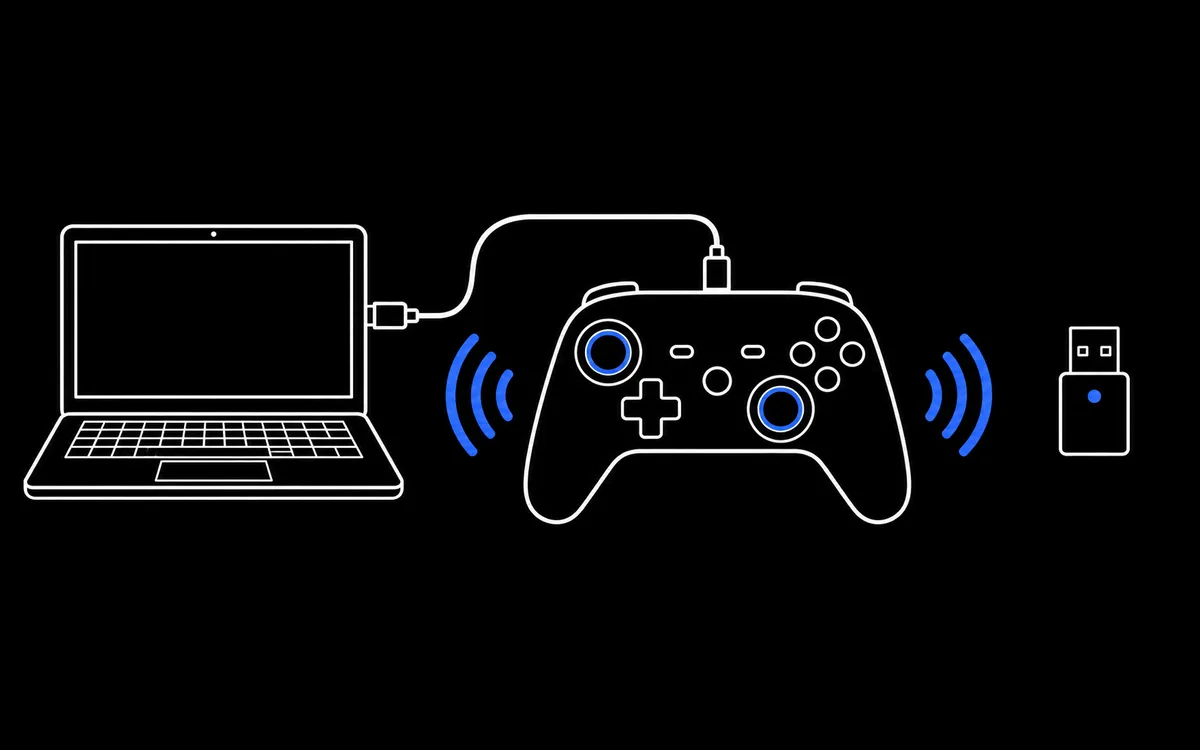 How to Connect a Controller to Test ItStep by step pictures for connecting PS5, PS4, Xbox, Switch and PC controllers by USB, Bluetooth or receiver, then testing them in your browser.
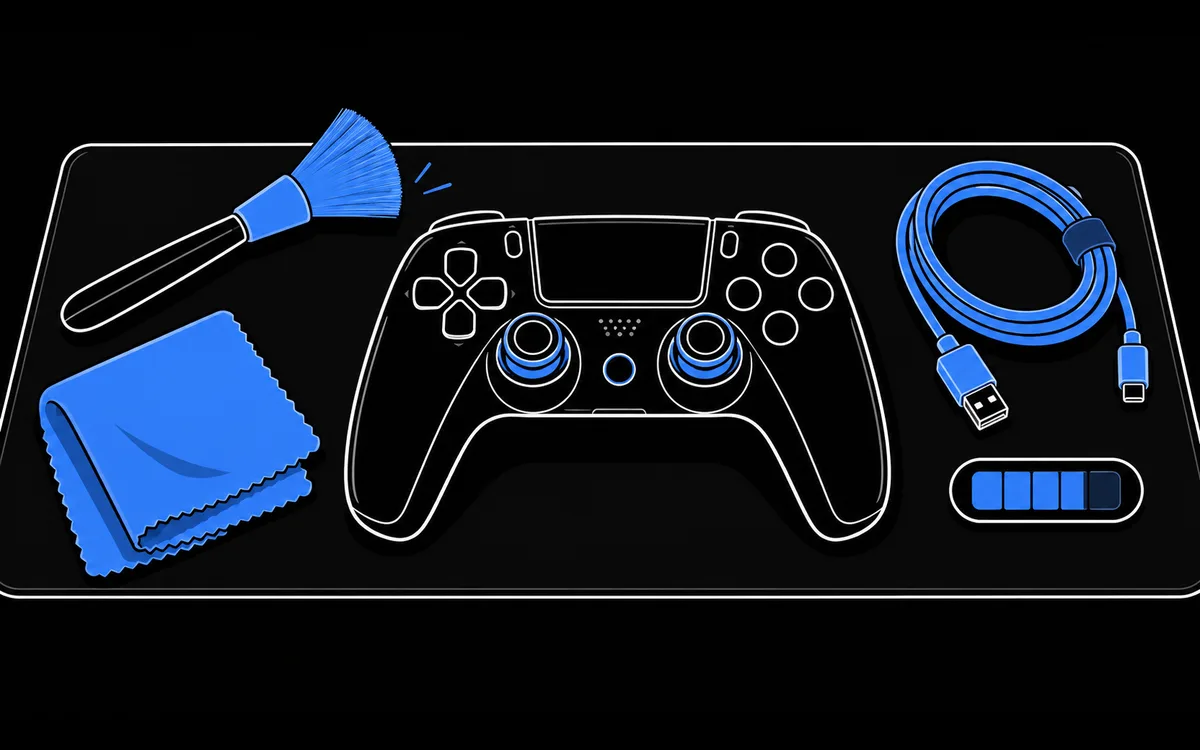 Controller Care: 7 Habits for Sticks and BatteriesHow to clean a controller safely, protect its battery and charging port, store it and check it regularly so drift and dead batteries show up early.
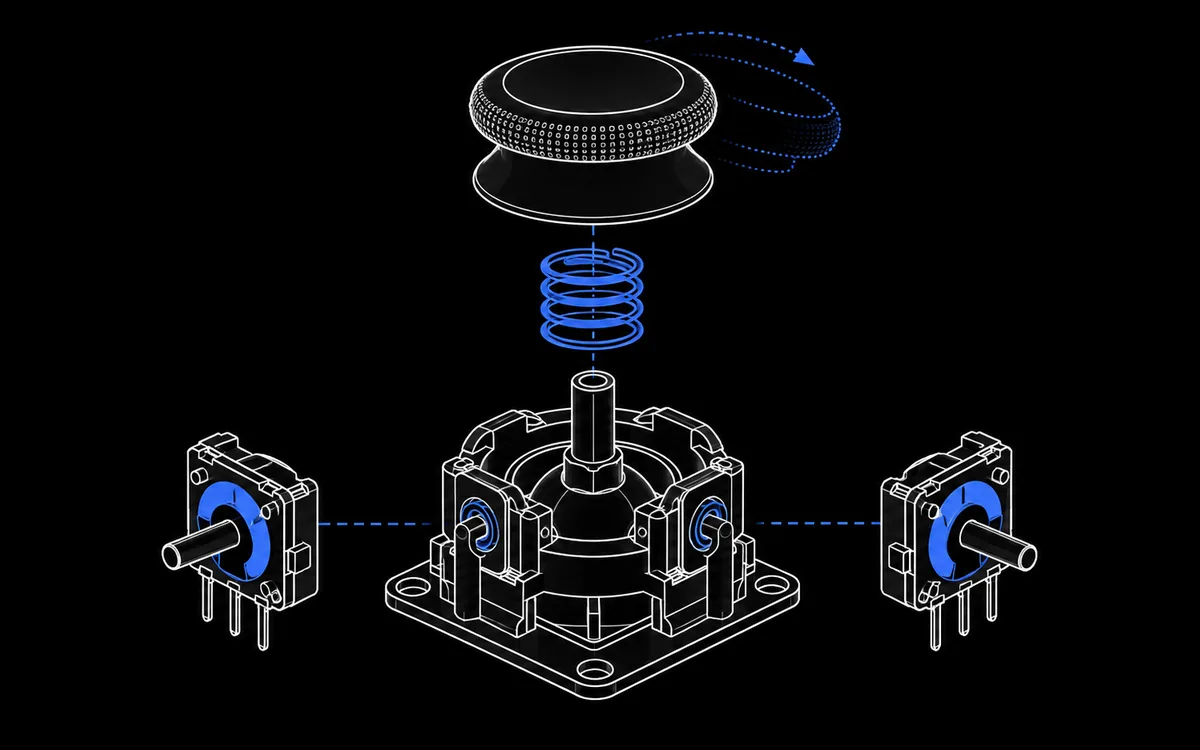 How to Fix Stick Drift on a PS5 ControllerMeasure the drift first, then work through the fixes in order of risk: reset, firmware update, cleaning, deadzones and finally repair or replacement.
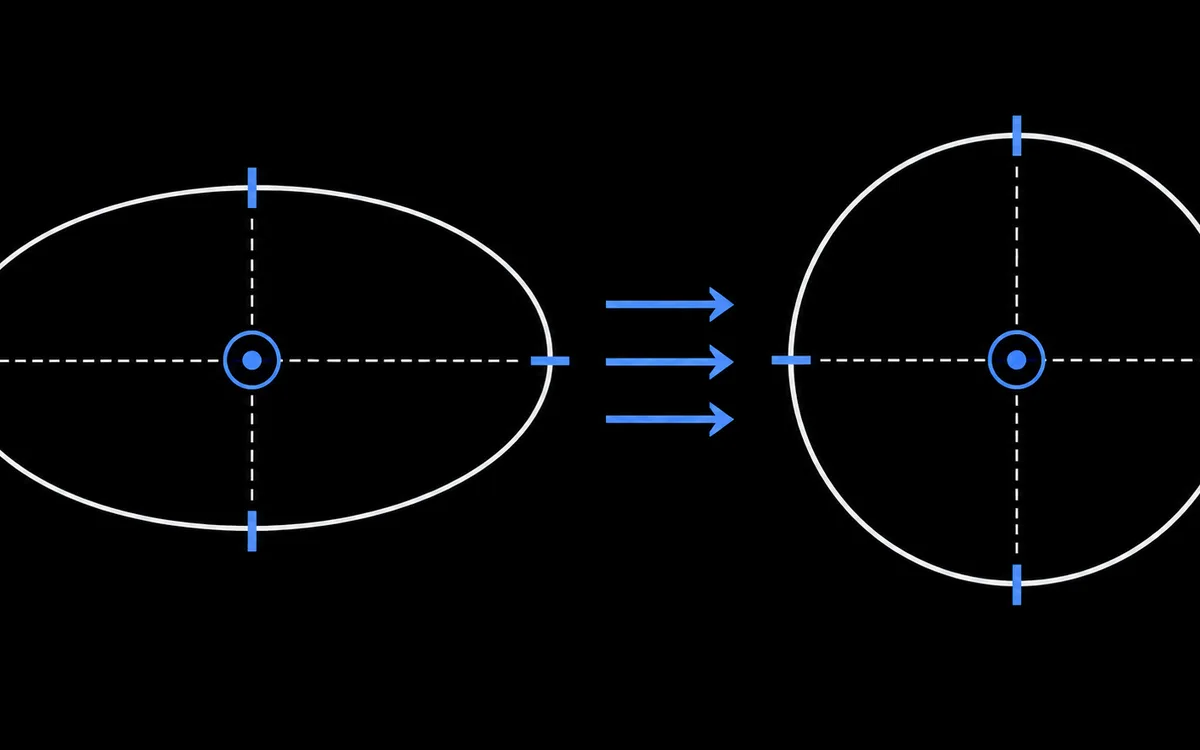 How to Calibrate a PS5 or PS4 ControllerWhat calibration can and cannot fix on a DualSense or DualShock 4, the safe software options, and the risks of tools that rewrite controller memory.
 Controller Polling Rate Explained: Browser Test LimitsUnderstand report intervals, browser-observed timestamp updates and why a web reading cannot establish hardware polling rate or total input latency.
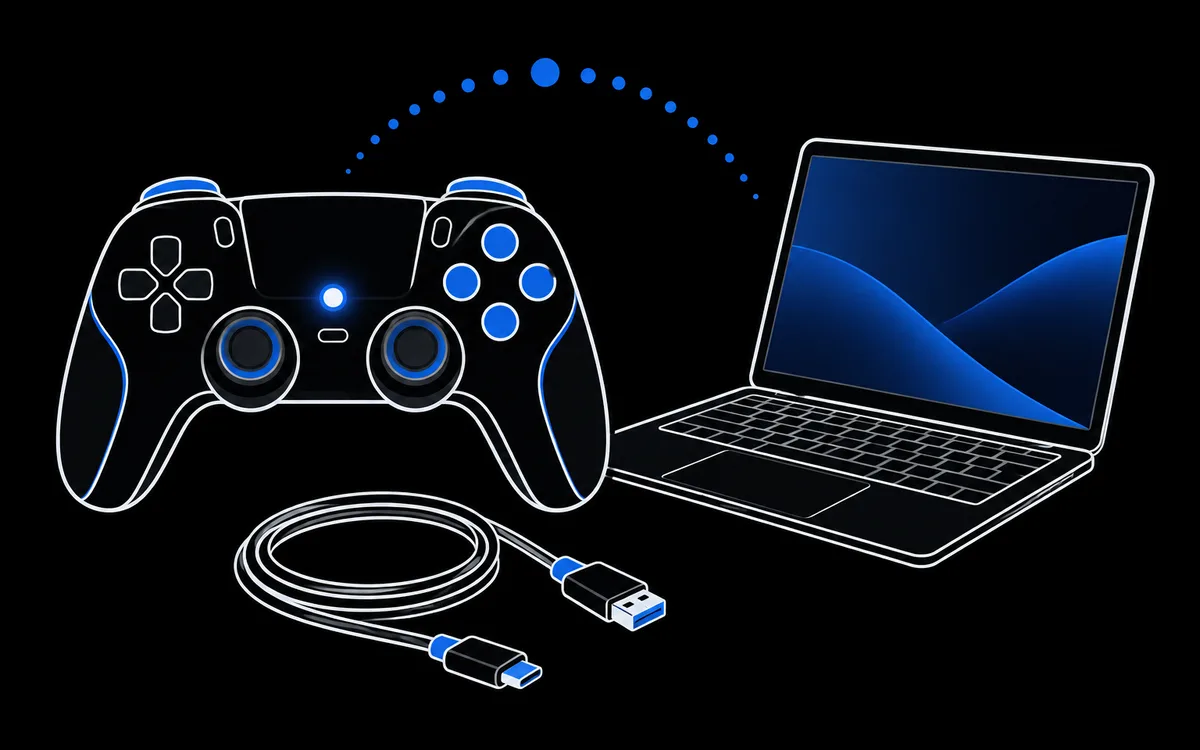 How to Connect a PS5 Controller to a PCPair a DualSense with Windows or macOS over Bluetooth or USB C, make games see it through Steam Input, and test it before you start playing.
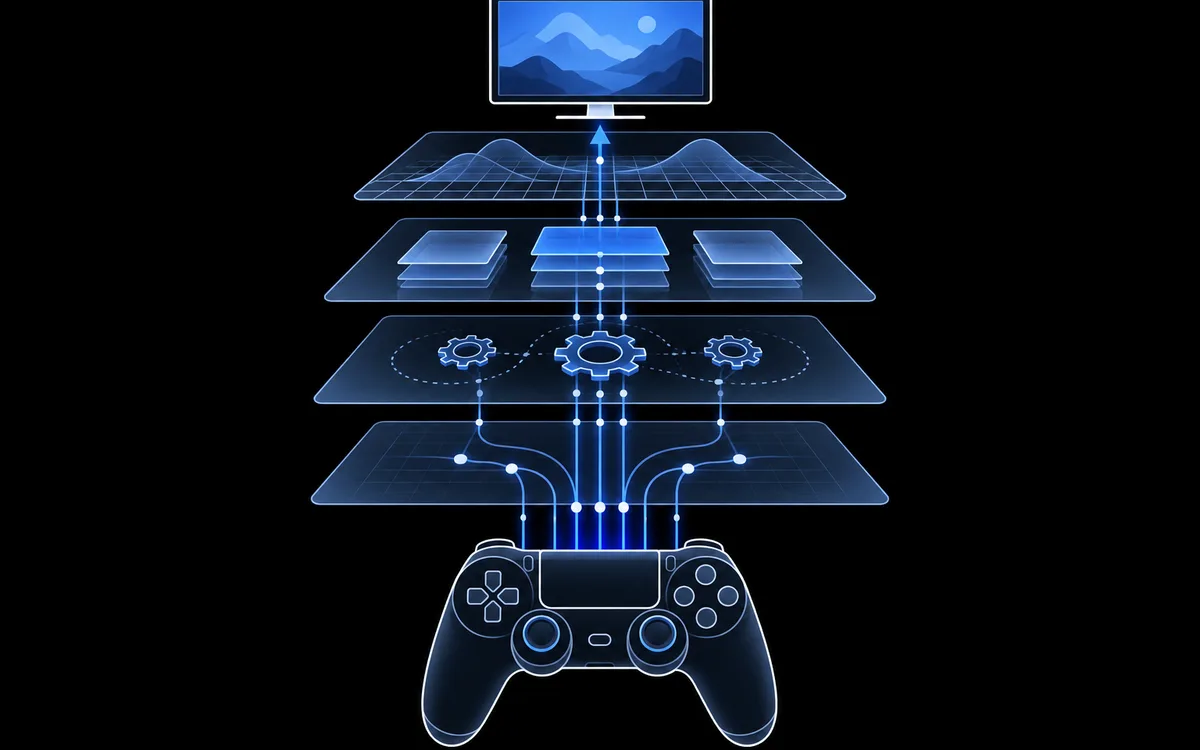 ViGEmBus, HidHide & DsHidMini ExplainedWhat each of these Windows controller drivers does, how they work together with DS4Windows, and what their current maintenance status means for you.
 Open Source DualSense Tester Tools on GitHubA guide to the open source DualSense and DualShock projects people search for on GitHub: what each one does, how they talk to the controller and the risks.
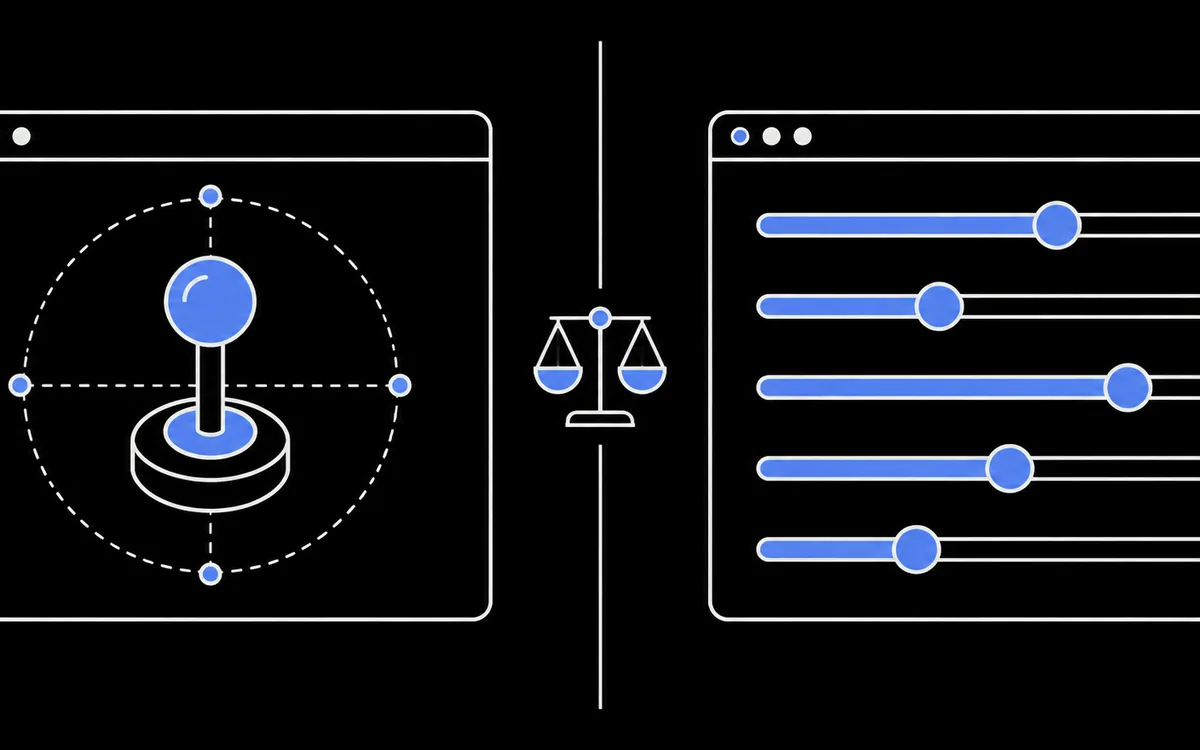 DriftGuard vs a Browser Controller TesterA factual comparison of DriftGuard and a browser based tester like ControllerTester: what each one measures, writes and needs, and when to use which.
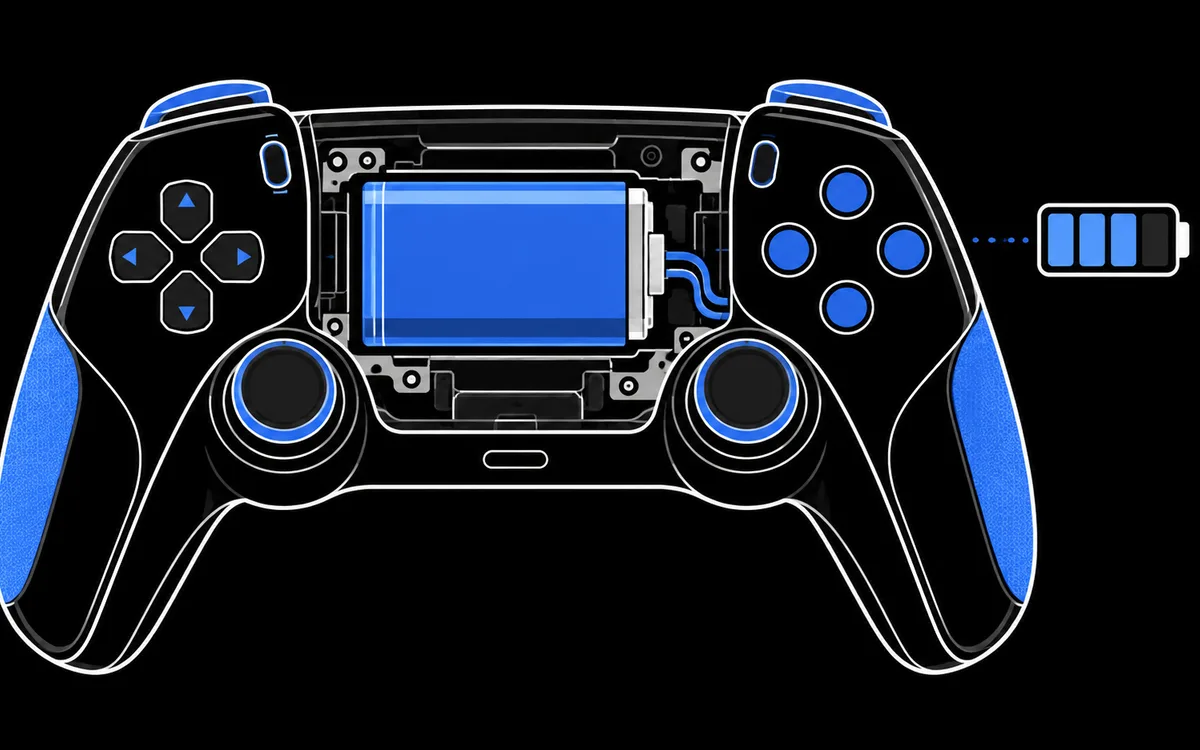 How to Check Controller Battery Level & HealthRead supported PlayStation charge estimates, see the limits for other controllers and compare runtime without claiming a battery-health percentage.
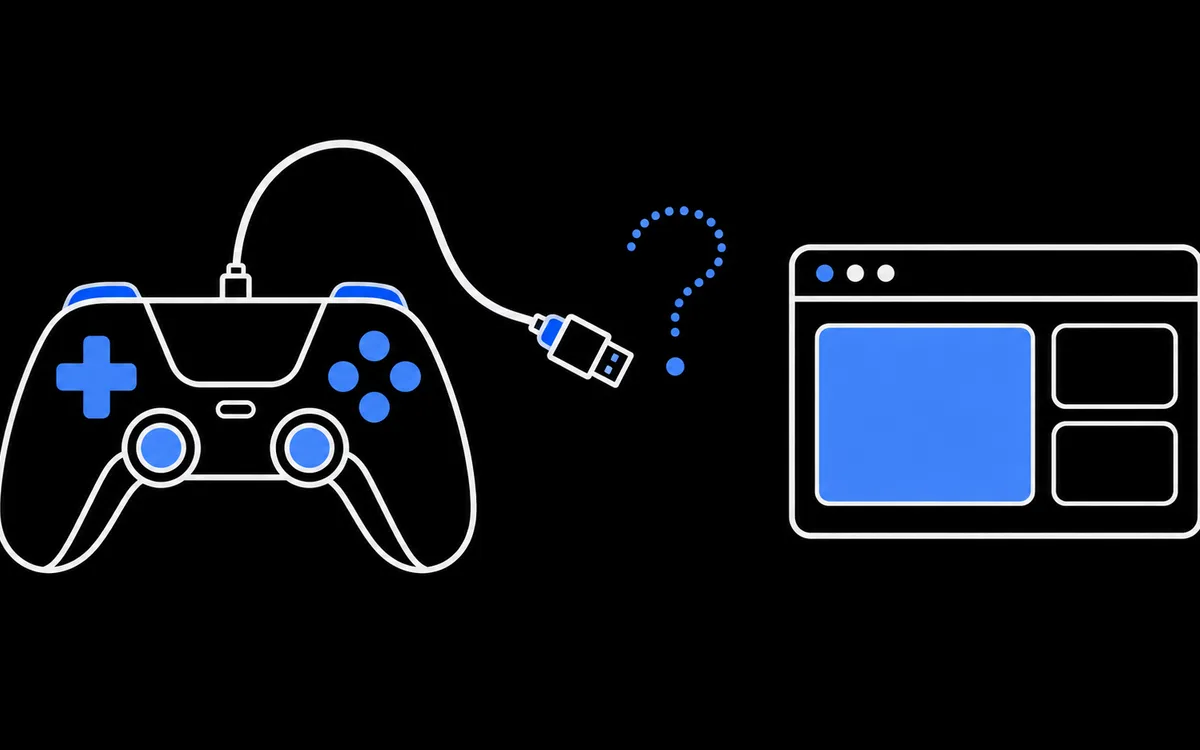 Controller Not Detected? Fix It Step by StepWork through the usual causes in order: charge only cables, the press a button rule, Bluetooth pairing, browser permissions, drivers and Steam Input.