DriftGuard vs a browser controller tester
Compare the actual operations: input measurements, temporary output tests and persistent calibration changes have different effects, even inside a browser.
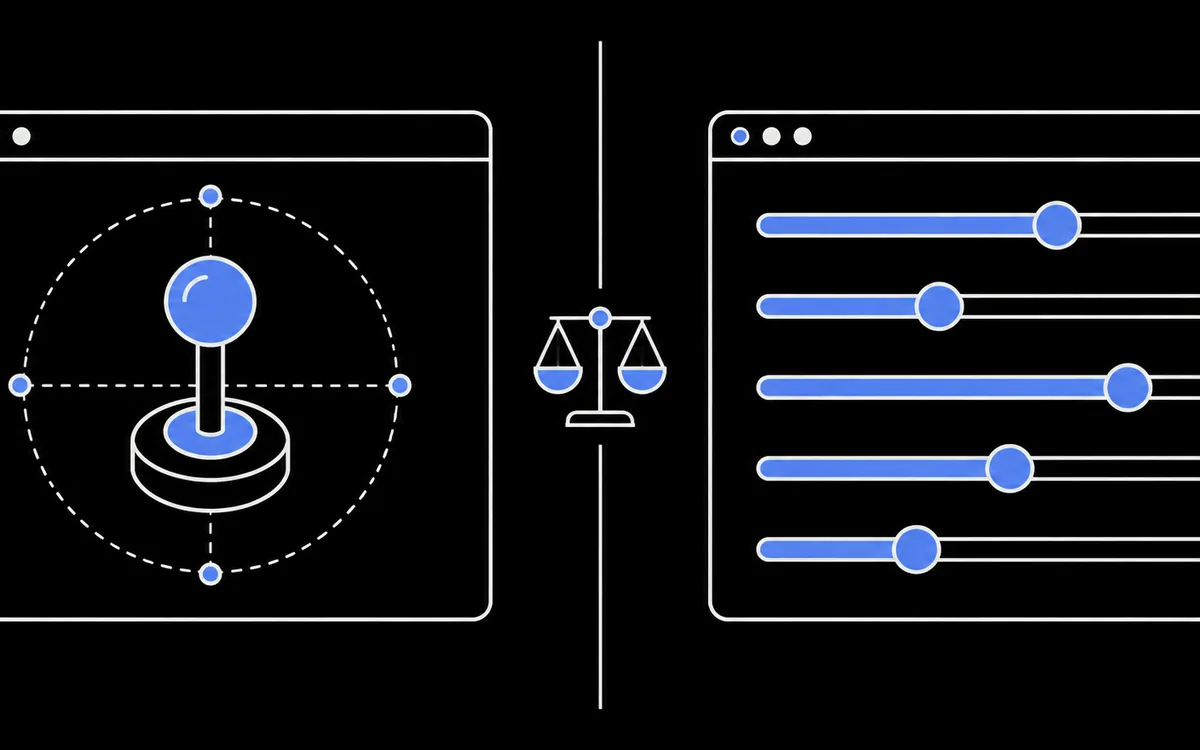
Compare the operation, not just the platform
DriftGuard is a real product by VestraCode with Steam, web and Android editions. Its Steam listing dates Early Access to 2 October 2024.
A browser app can write to a device when an API and permissions allow it. The useful distinction is whether a specific function only measures input, sends temporary output or changes stored device data.
What the two tools offer
| Capability | ControllerTester | DriftGuard |
|---|---|---|
| Buttons, drift and circularity | Browser measurements | Listed by the developer |
| Calibration | Local software profile and preview | Device calibration for supported models |
| Device writes | Temporary rumble and light commands | Calibration and advanced device operations, depending on model |
| Firmware operations | None | Xbox operations described in its dashboard |
| Driver changes | Not part of this site's workflow | Some Windows WebUSB paths require WinUSB |
| Timing | Gamepad API timestamp observations | Method depends on edition and feature; not benchmarked here |
The DriftGuard dashboard documents operations that can change firmware or device identity. Its platform page lists supported families. That does not mean every feature works on every listed controller or edition. Consult the model-specific instructions. No physical comparison of the products was performed for this article; features described for DriftGuard are developer claims, not our test results.
Start with a repeatable measurement
Use the drift test to record resting offset and variation after releasing the stick from different directions. Those readings cannot distinguish wear, dirt, spring behavior and incorrect calibration with certainty. A stable offset makes calibration worth considering, but does not prove it will fix the cause.
Our calibration wizard changes the local preview and can save or export a software profile. It does not install that profile into the controller, Steam Input or a game. Translate only compatible settings manually and verify the result in the target game; center and per-direction corrections may have no equivalent there.
Before changing device memory
Check exact model, firmware, connection, backup and recovery requirements. Keep a stable power connection and try a nonpermanent mode only if the tool documents one for your device. Do not change drivers or flash firmware merely to get a basic input reading.
After a change, compare raw input under the same settings, then test in a game. A prettier circle or a centered preview alone is not proof of a mechanical repair.
Sources
Documentation and local implementation checked 26 October 2026. Pricing and support can change; use the linked product pages for current details.