Joy-Con drift tester
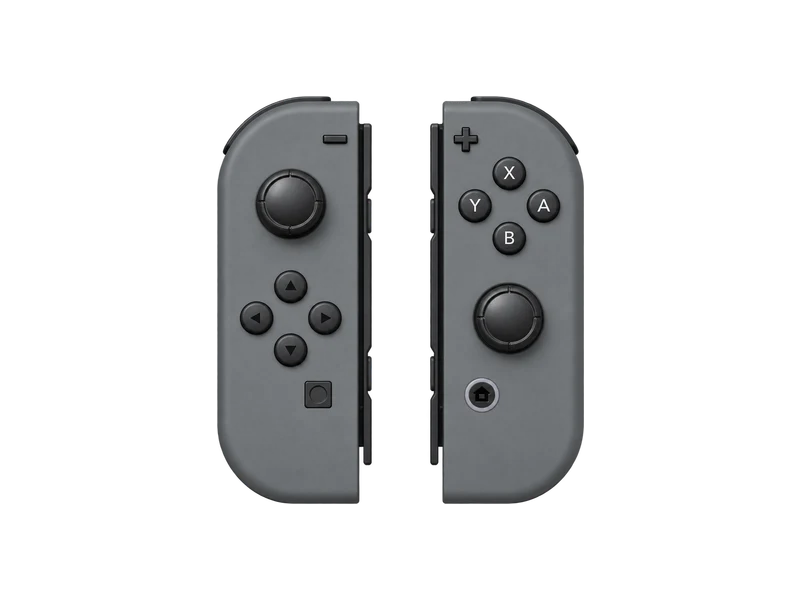
Each Joy-Con pairs as its own controller. Pick it from the player list, then leave the stick alone to see if it drifts.
Input map
Registered / 17- B
- A
- Y
- X
- L
- R
- ZL
- ZR
- Minus
- Plus
- L stick
- R stick
- Up
- Down
- Left
- Right
- Home
Raw input
Axes
Input history
- Waiting for input
Pairing a Joy-Con with a computer
Each Joy-Con is its own Bluetooth controller. Slide it off the console, hold the small sync button on the rail until the green LEDs start running, then pair it from your Bluetooth settings. Pair the second one the same way. In the tester they appear as two players; switch between them with the player buttons above.
Testing for Joy-Con drift
Joy-Con drift shows up as a stick that keeps moving with nobody touching it. To check it:
- Lay the Joy-Con flat on a table.
- Open the stick drift test and select the right player.
- Run the hold test twice. An offset that changes a lot between runs points to dirt or wear inside the stick.
Each Joy-Con has a single stick, and browsers do not always report it on the same axes for the left and right unit. Push the stick and watch the raw axis list: the pair that moves is the one to judge.
Buttons you might not expect
The SL and SR buttons on the rail are reported as extra buttons when the Joy-Con is used on its own. The Capture button and the Home button are also reported, though their numbers can differ between browsers. Use the raw list to see exactly which index each one uses.
Questions about this test
- Can I use both Joy-Con as one controller in the browser?
- Browsers show them as two separate controllers. Tools like Steam Input can combine them for games, but the tester checks each one on its own.
- How much drift is too much on a Joy-Con?
- The same thresholds as other controllers apply: under 0.03 offset is normal, above 0.10 is usually visible in games.